
Downloading from the Editor
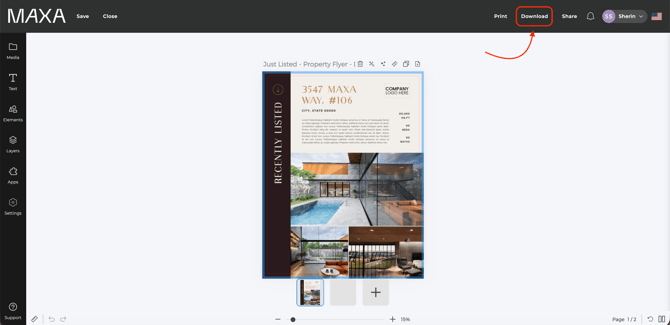
- Click the Download button in the top banner of the editor.
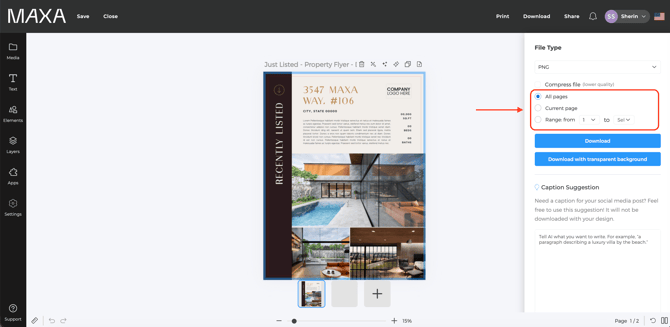
- Choose your preferred file format (see options below). If your design has multiple pages, select All Pages or specify the page range you'd like to download.
Available Download Formats
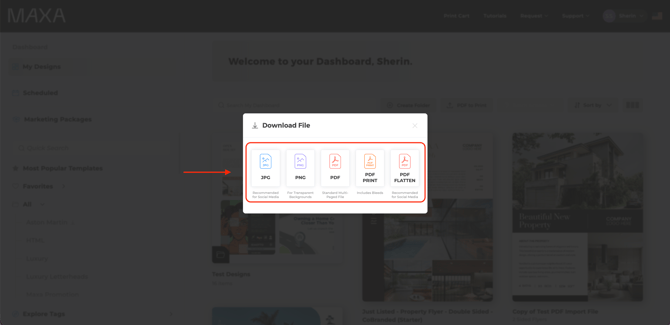
- PNG / JPG: Best for digital use such as email, websites, and social media.
- PDF Standard: Recommended for home or office printing.
- PDF Proof: Ideal for reviewing and sharing drafts.
- PDF Print: Recommended for professional printing— includes bleeds and crop marks.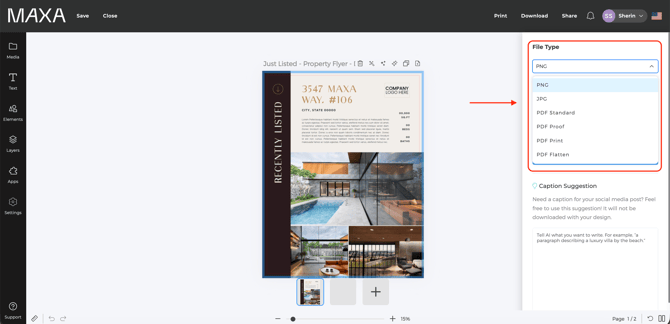
- Click Download — your file downloads automatically to your computer.
Download from the Dashboard
- On your dashboard, hover over the design you want to download.
- Click the three dots in the top-right corner of the design thumbnail and select Download.
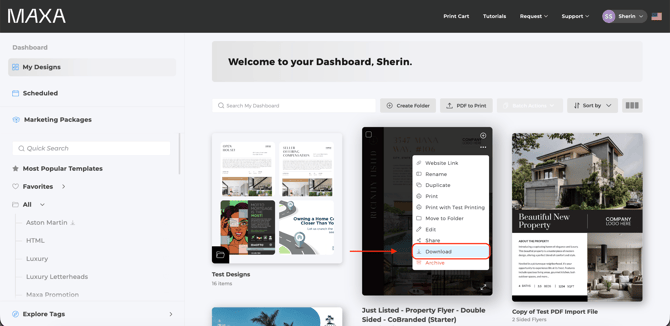
- A download window will appear. Choose the file format you want — the same formats available in the Editor are offered here too.
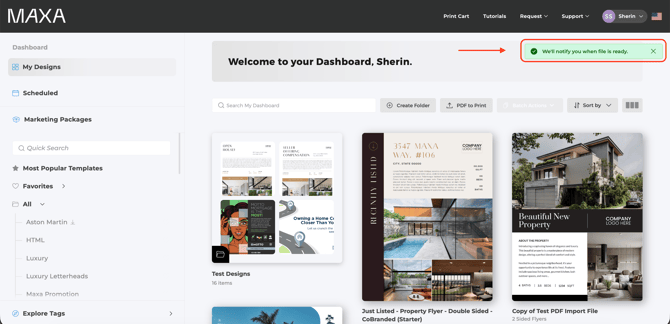
- A notification appears in the upper-right corner: "We'll notify you when file is ready."
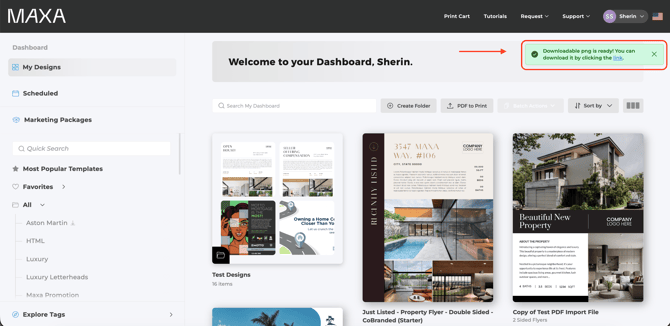
When the file finishes generating, a second notification appears:
"Downloadable PDF is ready! You can download it by clicking the link." Click that notification to download the file to your computer.
Good to know
- Dashboard downloads generate in the background and notify you when ready, rather than downloading instantly like Editor downloads.
- If you skip selecting All Pages or a page range on a multi-page design, only part of your file may download — worth double-checking before clicking Download.
- PDF Print is the only format with bleeds and crop marks; use it for anything going to a professional printer.