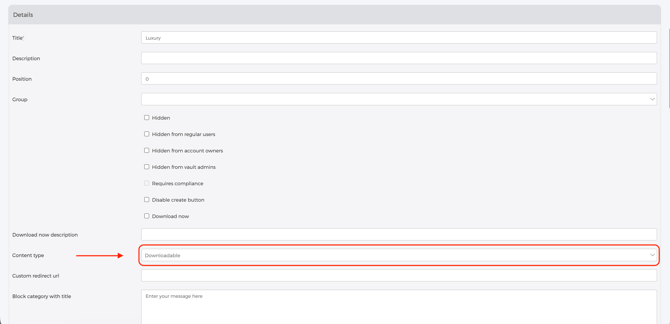
How to create a Downloadable Category Create a category that will hold your downloadable files: Go to Admin Panel > Designs > Categories Click New Category Enter the name of your category Under Content Type, select Downloadable Scroll down and click Create Category