-
Open the design you want to edit.
-
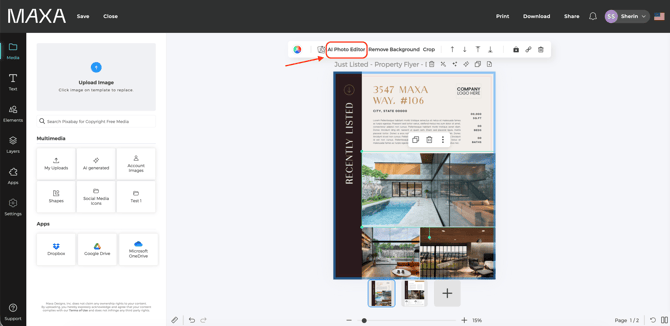
Click on the image you want to rotate.
-
In the top toolbar that appears, click AI Photo Editor.
-
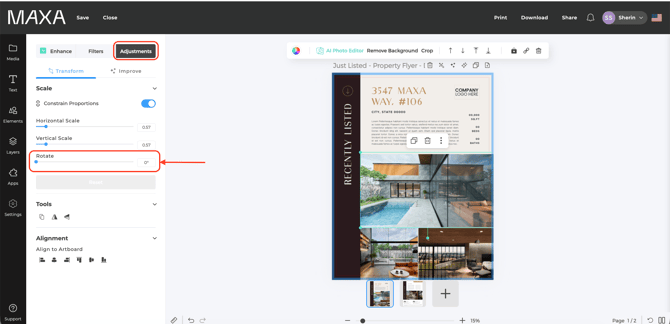
A menu will open on the left. Click on Adjustments.
-
Under the Transform section, adjust the rotation using the Rotate slider until the image is positioned the way you want.