
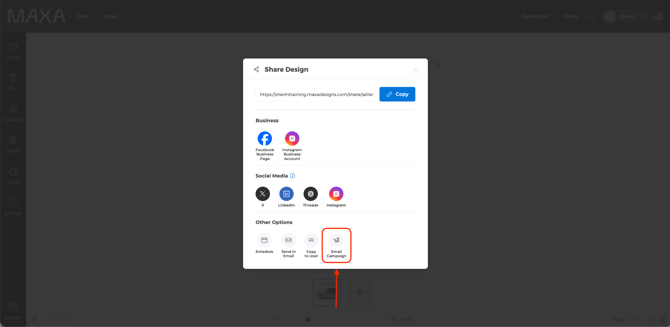
- Once your design is complete, click Share in the top menu of the editor.
- In the Share panel, under Other Options, click Email Campaign.
- Click Connect on the platform you want to use — Mailchimp or Constant Contact.
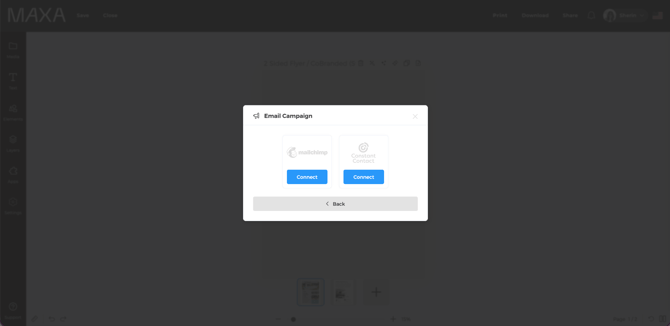
- Log in and authorize Maxa Designs to connect with your account.
- Follow the on-screen prompts to complete your campaign details (subject line, recipient list, send time).
- Click Publish to send your design as an email campaign.
Once connected, your account stays linked — future designs can be shared to the same platform without reconnecting.
Good to know
- You'll need an active Mailchimp or Constant Contact account before connecting; Maxa Designs doesn't create one for you.
- If you disconnect a platform, you'll need to re-authorize it the next time you share.