
Create a Co-Branded Design
- Browse the available co-branded designs on the platform.
- Select the design you want to use and click Create Design.
- When prompted, select the partner you want to include.
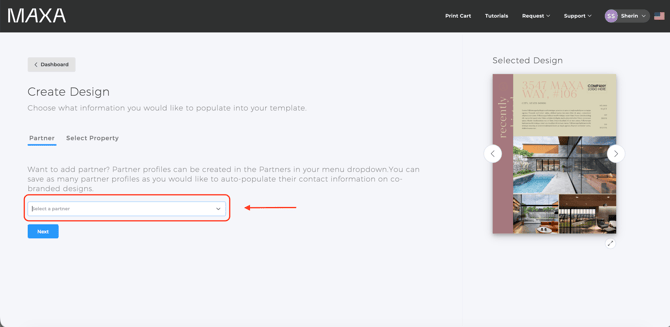
- Click Create to generate the co-branded design.
- The information from the partner will autopopulate in the design.
Good to know
- If you need to add a new partner first, refer to the How Do I Set Up a Partner for Co-listing article and add them there before starting your co-branded design.